Close Management

Bring Structure, Visibility, & Control to Every Close

Enforce accounting controls, standardise workflows, and automatically flag exceptions.

See Where the Close Stands

Build consistent processes and create clear accountability to prioritise the right work and remove bottlenecks.

Standardize Your Workflows

Set owners, due dates, and review steps for the close and beyond so every period runs consistently.

Stay Audit-Ready

Keep support, review notes, and sign-offs attached to the work, giving auditors a clear record of every change.

Trusted by 3,500+ global companies
Cranswick Logo
Watches of Switzerland Logo
Soundcloud Logo
Get Your Guide Logo
Sumup Logo
On AG Logo
Emma logo
Treatwell Logo
JLR Logo
Personio Logo
Global Maritime Logo
Huel logo

Explore FloQast Close Management

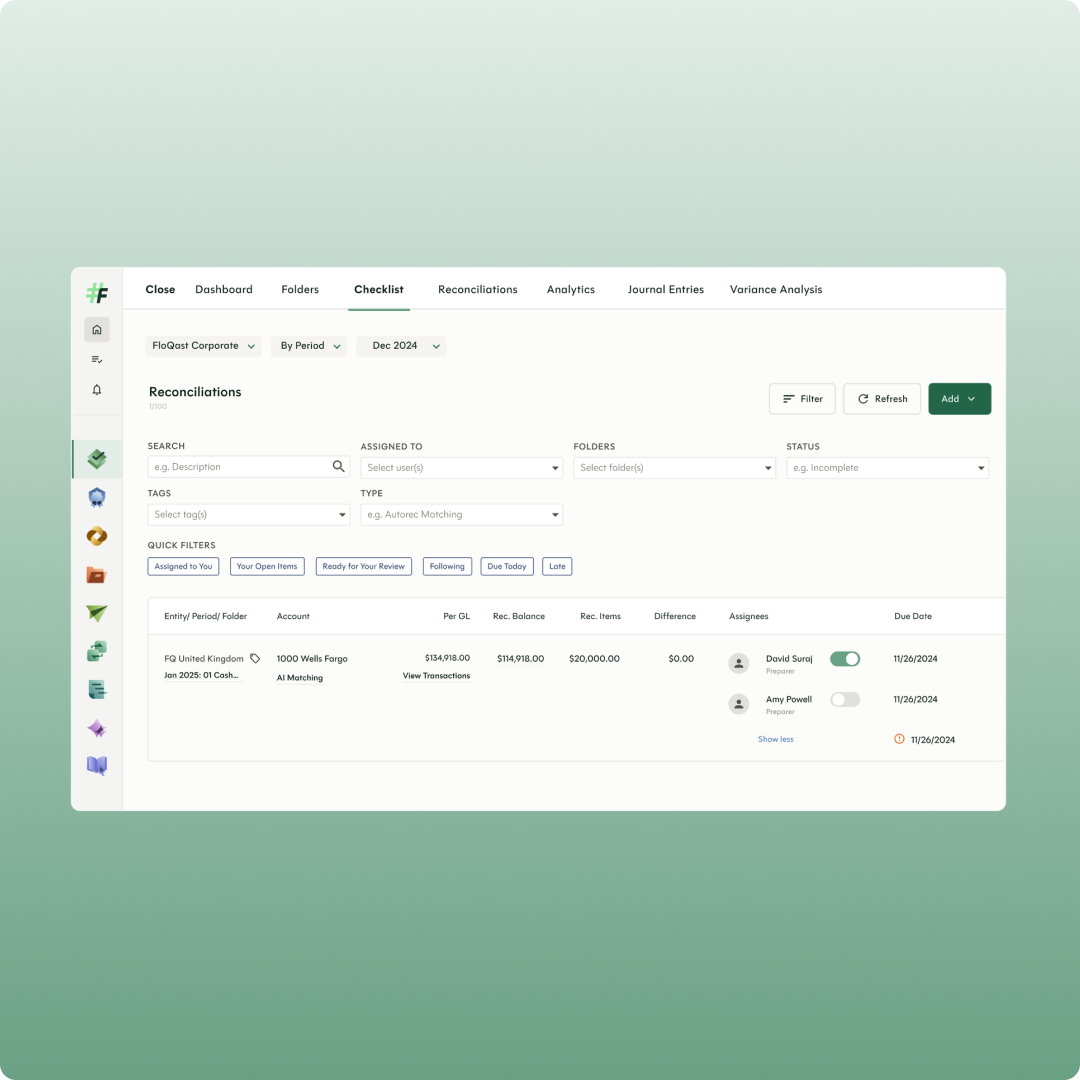
Close Checklist

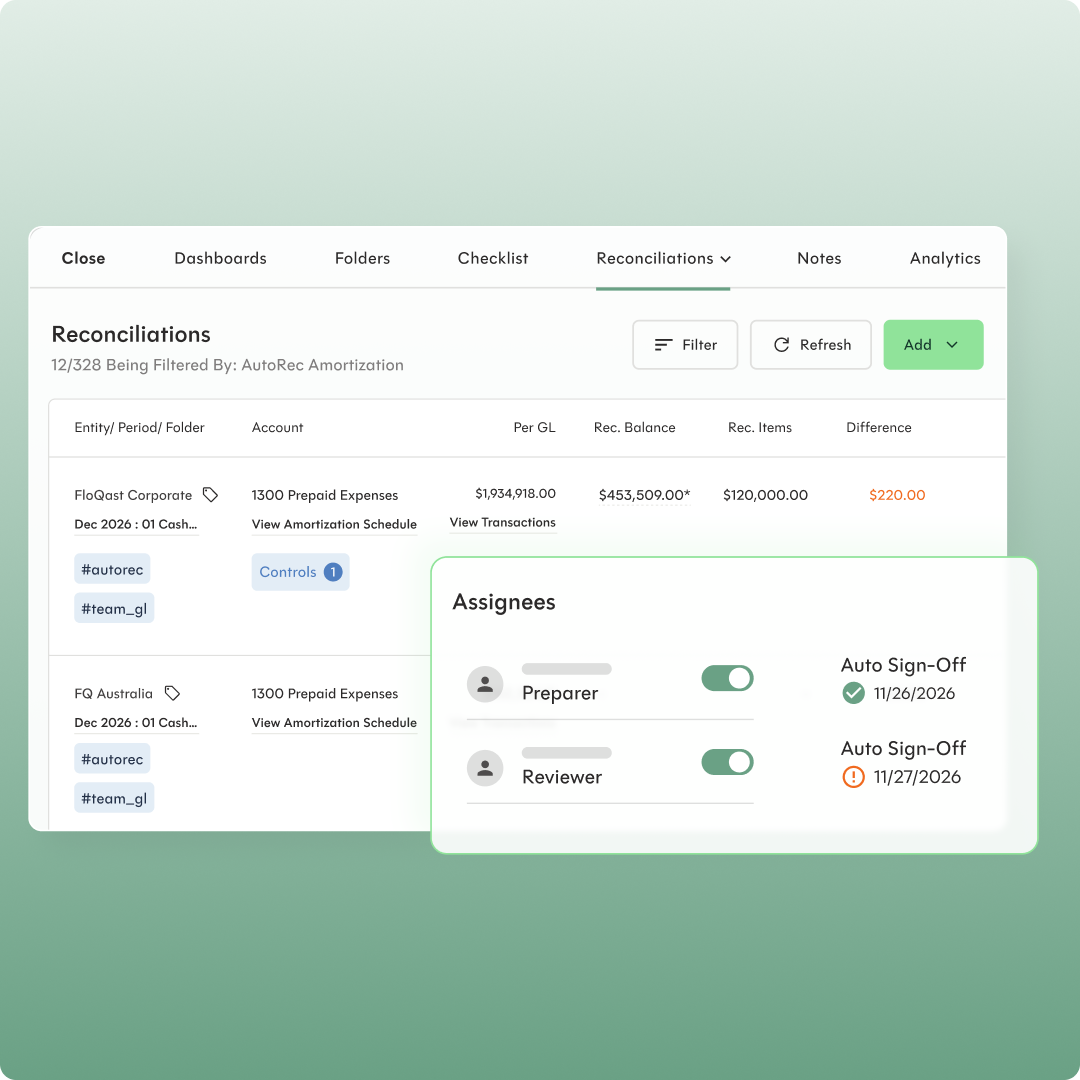
User interface showing a Reconciliations tab filtered by AutoRec Amortization with two accounts listed: FloQast Corporate and FQ Australia, both under 1300 Prepaid Expenses. Details include Per GL amounts, Rec. Balances, Rec. Items, and Differences, with the difference for FloQast Corporate highlighted in orange as $220. A pop-up labeled Assignees shows two roles, Preparer and Reviewer, each with toggle switches turned on and auto sign-off dates, 11/26/2026 with a green check for Preparer, and 11/27/2026 with an orange warning icon for Reviewer. Filters, Refresh, and Add buttons appear at the top right.

Account Reconciliations

Tie balances to support, track reconciling items, and enforce review and sign-off from one central workspace.

A completeness check confirms every account is reconciled before you close, with the record your auditors need.

Accounting Operations

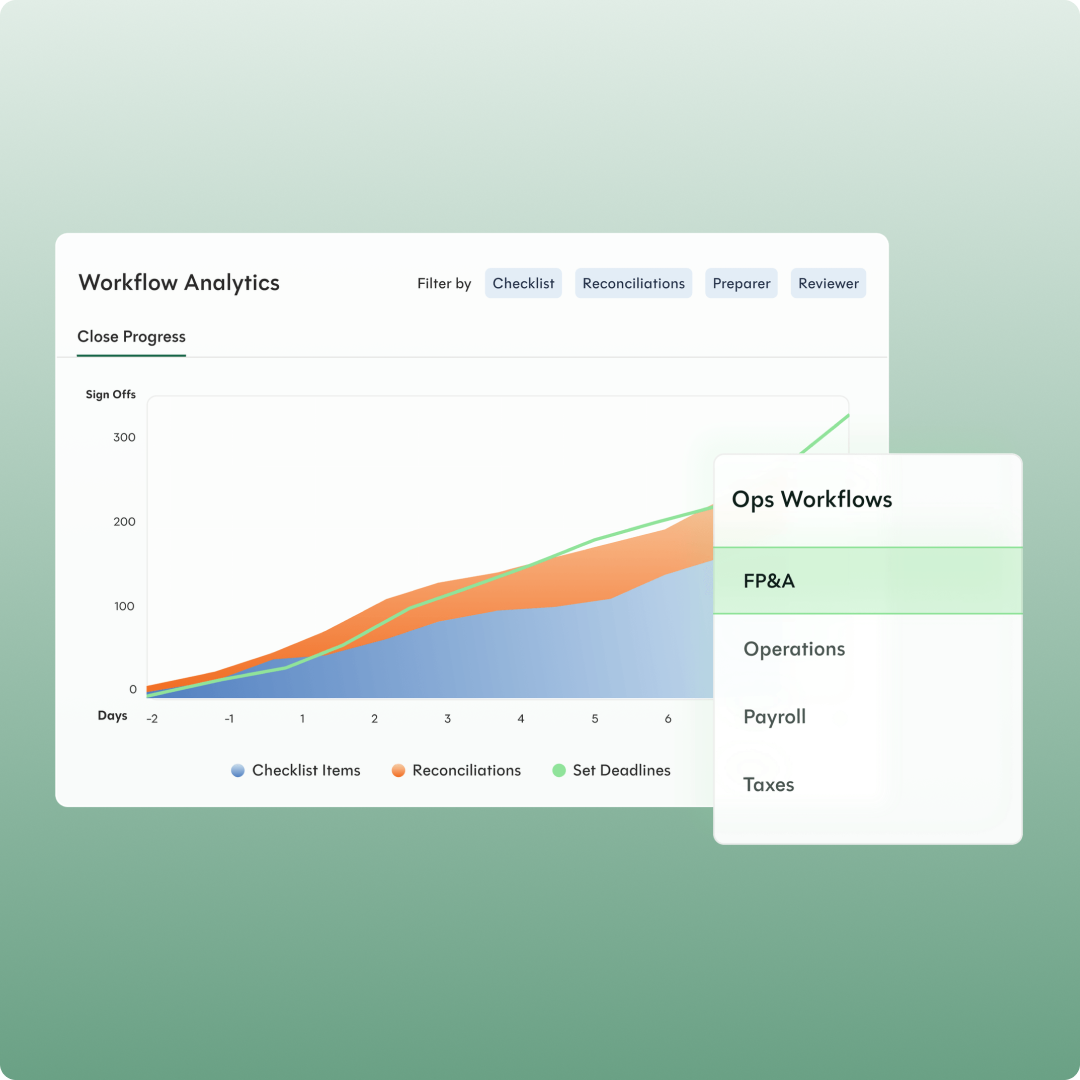
Extend the structure of your close to Accounts Payable, Compliance, FP&A, Reporting, and other recurring workflows.

Share tasks, roles, and deadlines across teams, and use real-time dashboards to manage by exception.
‍

Workflow analytics dashboard showing close progress with a stacked area chart featuring Checklist Items in blue, Reconciliations in orange, and Set Deadlines in green, plotted over days from -2 to 6 with sign-offs on the vertical axis, and a filter menu for Ops Workflows including FP&A, Operations, Payroll, and Taxes.
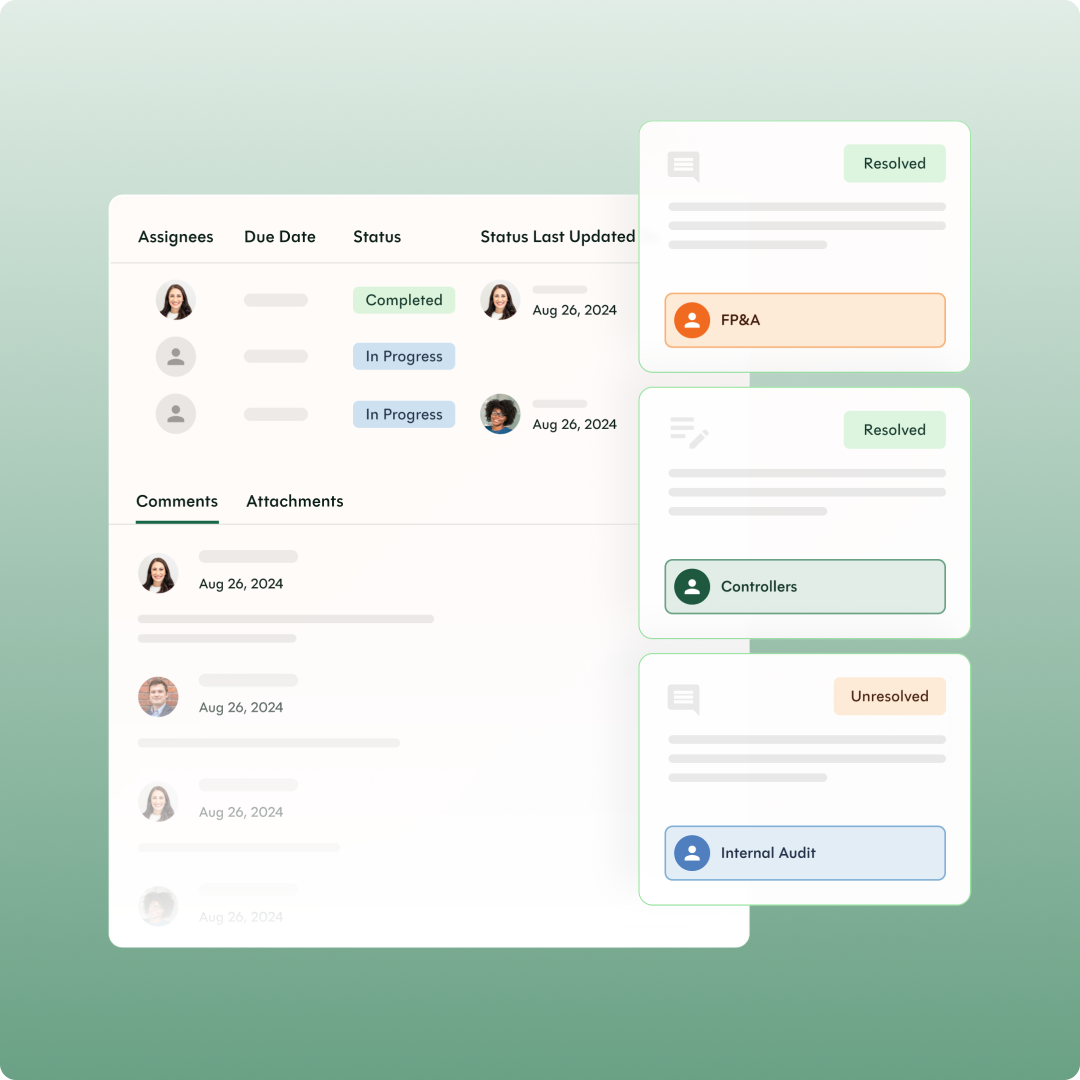
User interface of a project management dashboard showing task assignees, due dates, status including Completed and In Progress, status last updated dates, and comment threads with resolved and unresolved labels for FP&A, Controllers, and Internal Audit teams.

Projects

Coordinate, track, and collaborate on every initiative in one place, from system implementations and audits to onboarding and M&A.

See who owns what, what's on track, and what's about to slip across every team and project.

AI Assistant

Ask where the close stands or what looks off in a reconciliation, and get answers from your own close records.

Every answer shows its reasoning and follows your existing permissions, so you can verify it before you act.
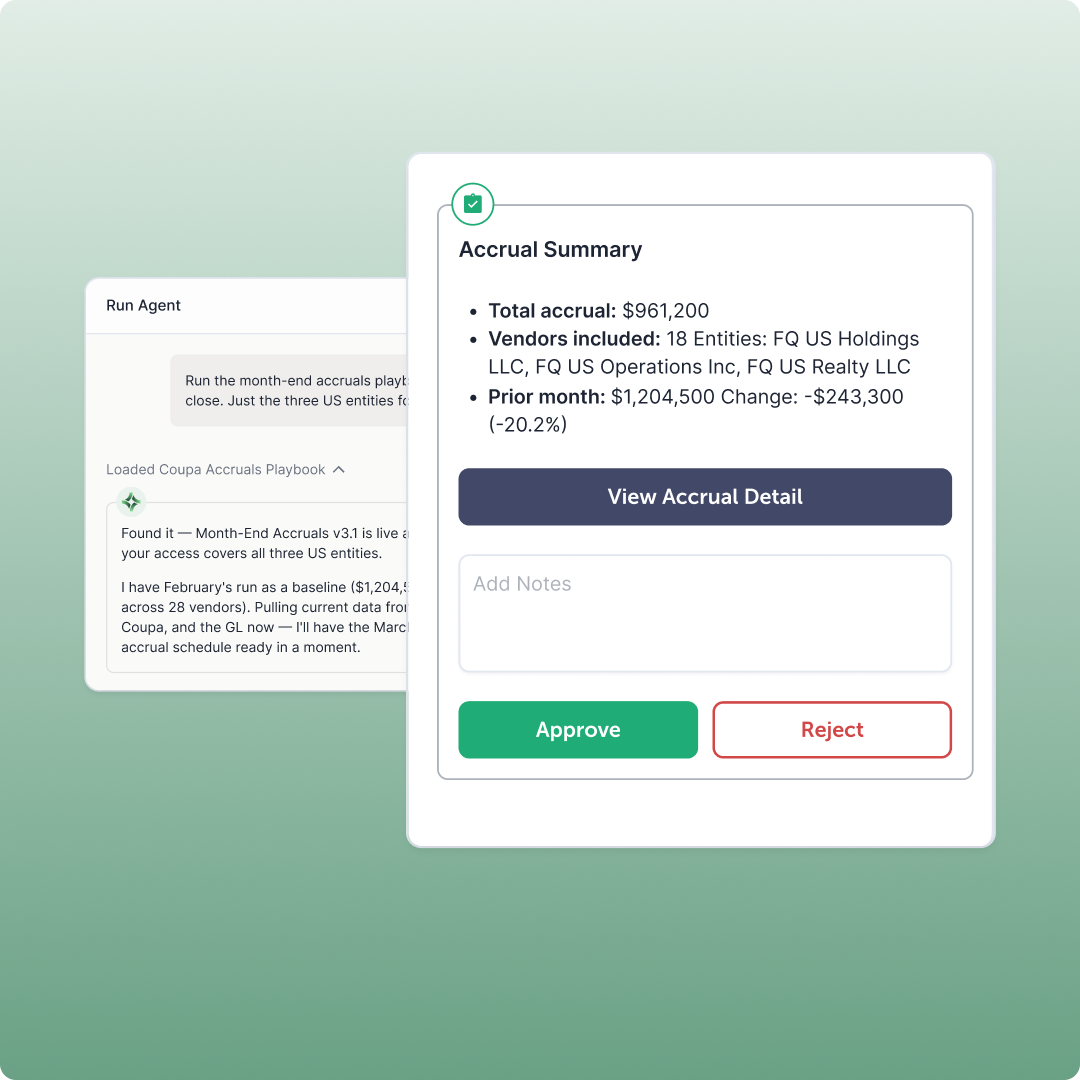
User interface of an accrual summary showing total accrual of $961,200, 18 vendors including FQ US Holdings LLC, FQ US Operations Inc, and FQ US Realty LLC, prior month total of $1,204,500 with a change of -$243,300 (-20.2%). Options to view accrual detail, add notes, and buttons to approve or reject are displayed.
Modern office kitchen area with high stools, red pendant lights, and a hallway with glass walls.

“FloQast provided us with a more comprehensive understanding of our close process, including the tasks and progress of each team member. This allowed us to assess roles and responsibilities at a higher level, ensuring we had the right people in the right positions. From an organisational standpoint, this was incredibly beneficial and helped streamline our operations.”

Sara Del Rio, Global Controller,
Gong

Best Practices for Managing Account Reconciliations

In this guide, you’ll learn how to optimise existing processes to meet evolving expectations and drive greater value creation with the team that you have.
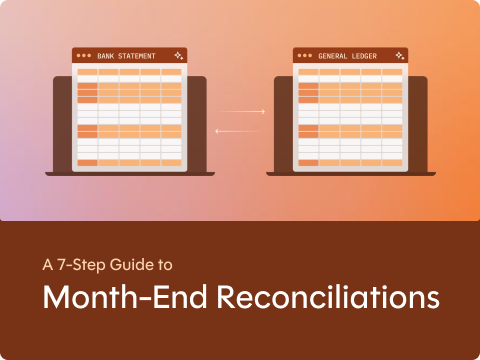
Illustration showing two ledger documents titled Bank Statement and General Ledger on laptop screens with arrows between them, symbolizing month-end reconciliation, with text below reading 'A 7-Step Guide to Month-End Reconciliations.'

Ready for your next step?

Schedule a Personalised Demo

Get a deeper dive into FloQast to see how it can work for you and your team.

Ready to Go

Get in touch with a member of our team. We’ll help you find the right solutions and pricing for your business.